
5 Steps to Give Your AI Coding Agent Only the Access It Needs
Start with nothing allowed, add small pieces by name, and put a real boundary around files and network.
Dallas, USA A place I’ve called home
An AI coding agent can read your repo, run shell commands and reach the network. Each of those is a permission. Give it only the ones the task needs, and enforce them with settings, not with polite instructions.
The five steps below work for any coding agent. The examples use Claude Code, because Anthropic documents its permission system in detail. Check your own tool’s docs for the same switches.
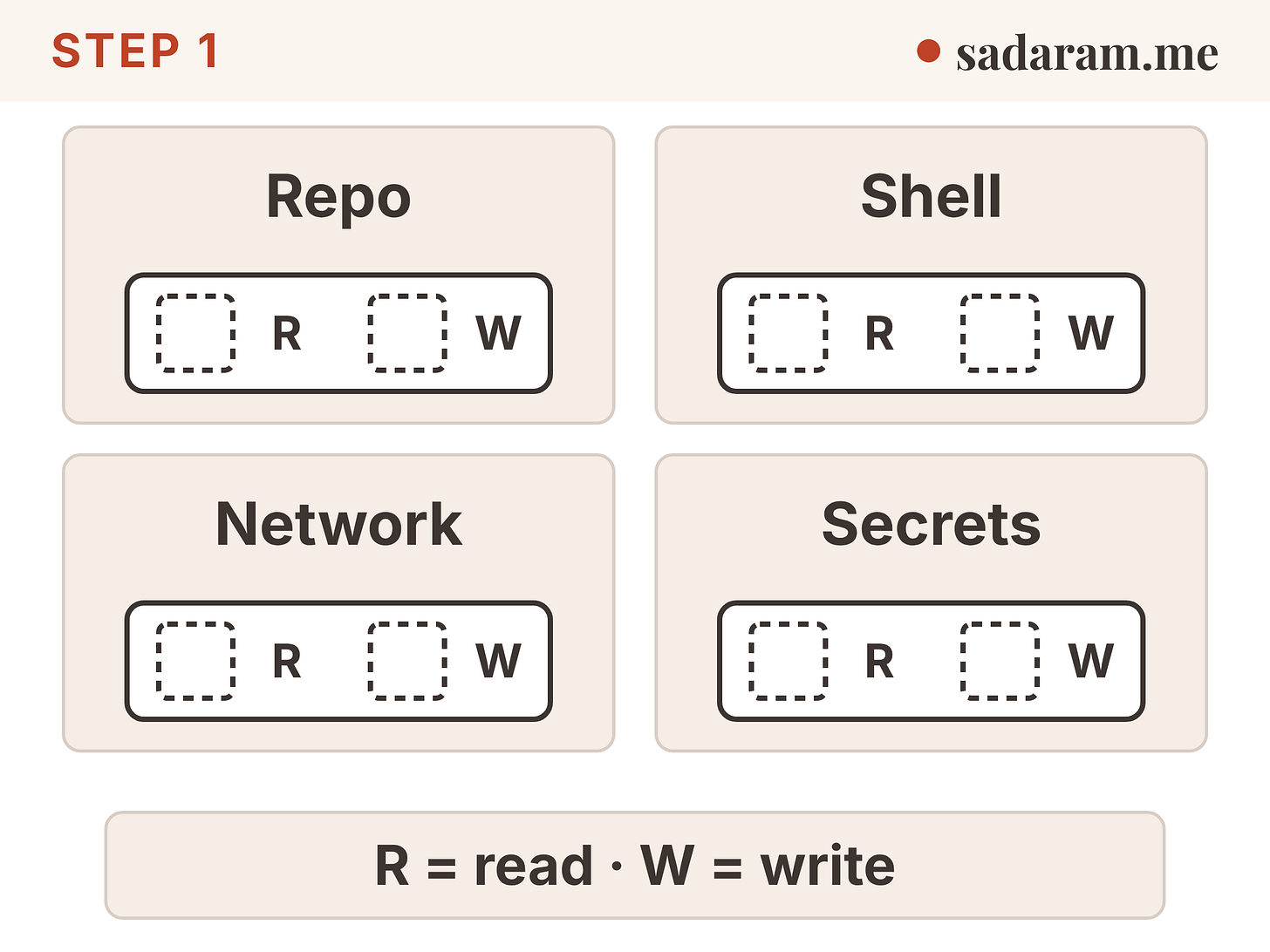
Step 1: List what the agent can touch
Rule. Write down four areas: the repo, the shell, the network, and secrets. Mark each one read (R) or write (W).
Why (source). An agent’s risk comes from what it can reach. Claude Code’s permissions page sorts tools by what they do: reads inside the working directory need no approval, while most shell commands, file edits and web fetches ask first (https://code.claude.com/docs/en/permissions). The list shows you which of your areas are already open before you change anything.
Check. Can the agent read your .env file? Can it write outside the repo? Can it reach any website? If you can’t answer in one line each, you don’t have a list yet.
Step 2: Start with nothing allowed
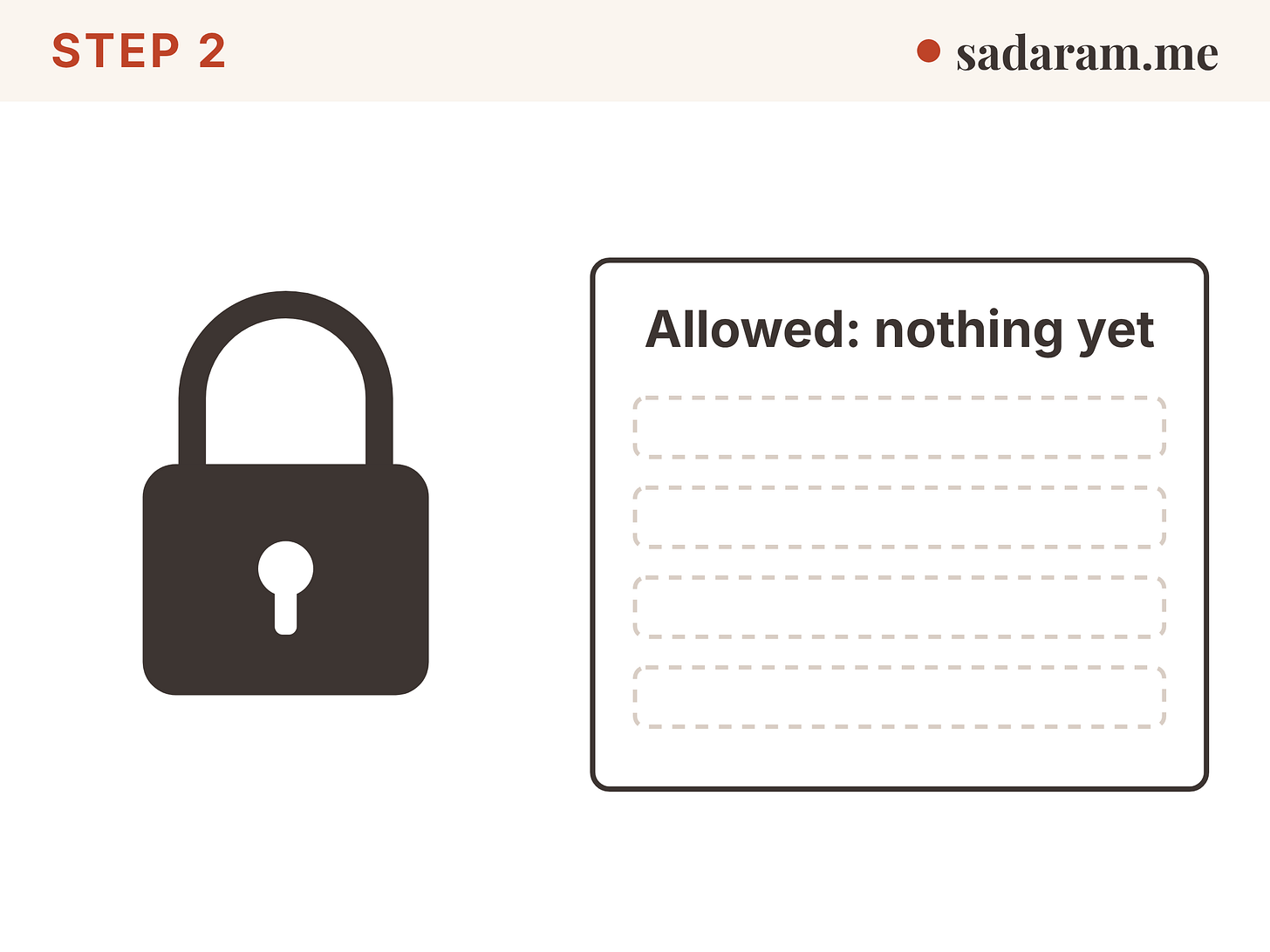
Rule. Begin from a locked state. Add access only when a task needs it.
Why (source). In Claude Code, rules are checked in this order: deny, then ask, then allow. The first match wins, and an allow rule cannot carve an exception out of a deny rule (permissions page). The same page says permission rules are enforced by Claude Code, not by the model. Instructions in a prompt or a CLAUDE.md file shape what the agent tries, but they don’t change what the tool allows.
Prompts alone don’t hold up either. Anthropic reports that people approve 93% of manual permission prompts (https://www.anthropic.com/engineering/claude-code-auto-mode, Mar 25, 2026). Saying “yes” to every prompt is not a control, and neither is a mode where a model judges each action. Claude Code’s best-practices page (checked Oct 29, 2026) says new terminal and VS Code sessions now start in auto mode, where a separate classifier reviews risky actions before they run. Auto mode is a judgment call, not a hard rule: the same page says deny rules and hooks still apply first, and that your “never” rules belong in deny rules or hooks. Shift+Tab switches a session to Manual if you want to approve each action yourself.
Check. Use a mode that denies by default. Claude Code’s dontAsk mode auto-denies every call that would otherwise prompt, so only reads in your working directories and tools you pre-approved still run. Then confirm the rule type: a deny rule matches command text only (step 3).
Step 3: Allow small pieces, by name
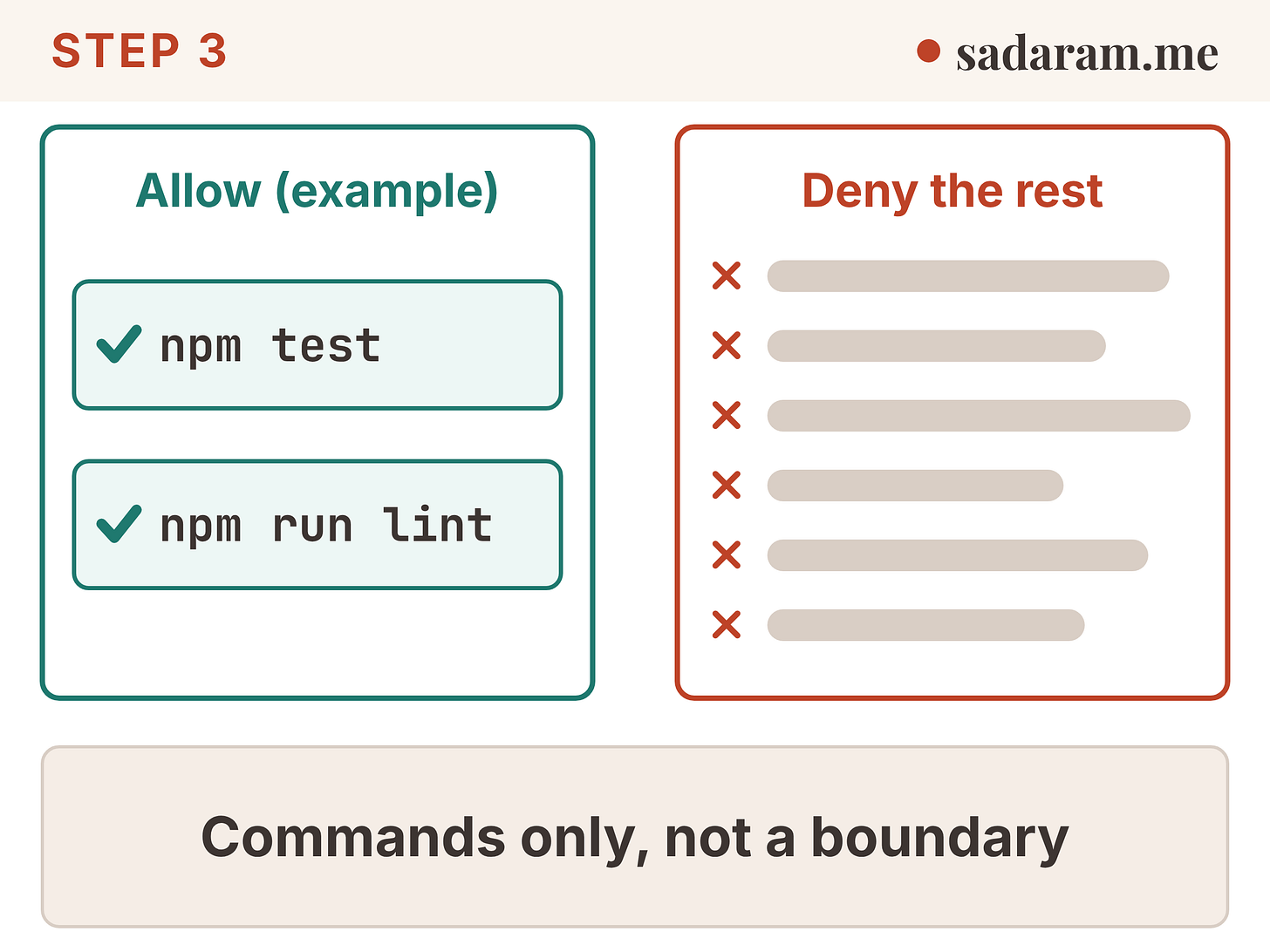
Rule. Allow exact commands, not whole tools. Allow npm test, not “any shell command.”
Why (source). Claude Code’s docs show how narrow a rule can be. Bash(git log *) allows only git log commands. Bash(git *) allows every git command. The docs tell you to put the * after the subcommand so the rule stays small.
A rule is also a text match, not a wall. The docs say a deny rule such as Bash(curl *) stops curl https://example.com. It does not stop /usr/bin/curl https://example.com or sh -c 'curl https://example.com'. The page states that such a rule “isn’t a security boundary around the program.” For limits that hold, the docs point to sandboxing, which is step 4.
Check. Read each allow rule as a sentence: “the agent may run exactly this.” If the sentence is wider than the task, shrink it. Then ask what the same program does under another path or inside sh -c.
Step 4: Put a sandbox around files and network
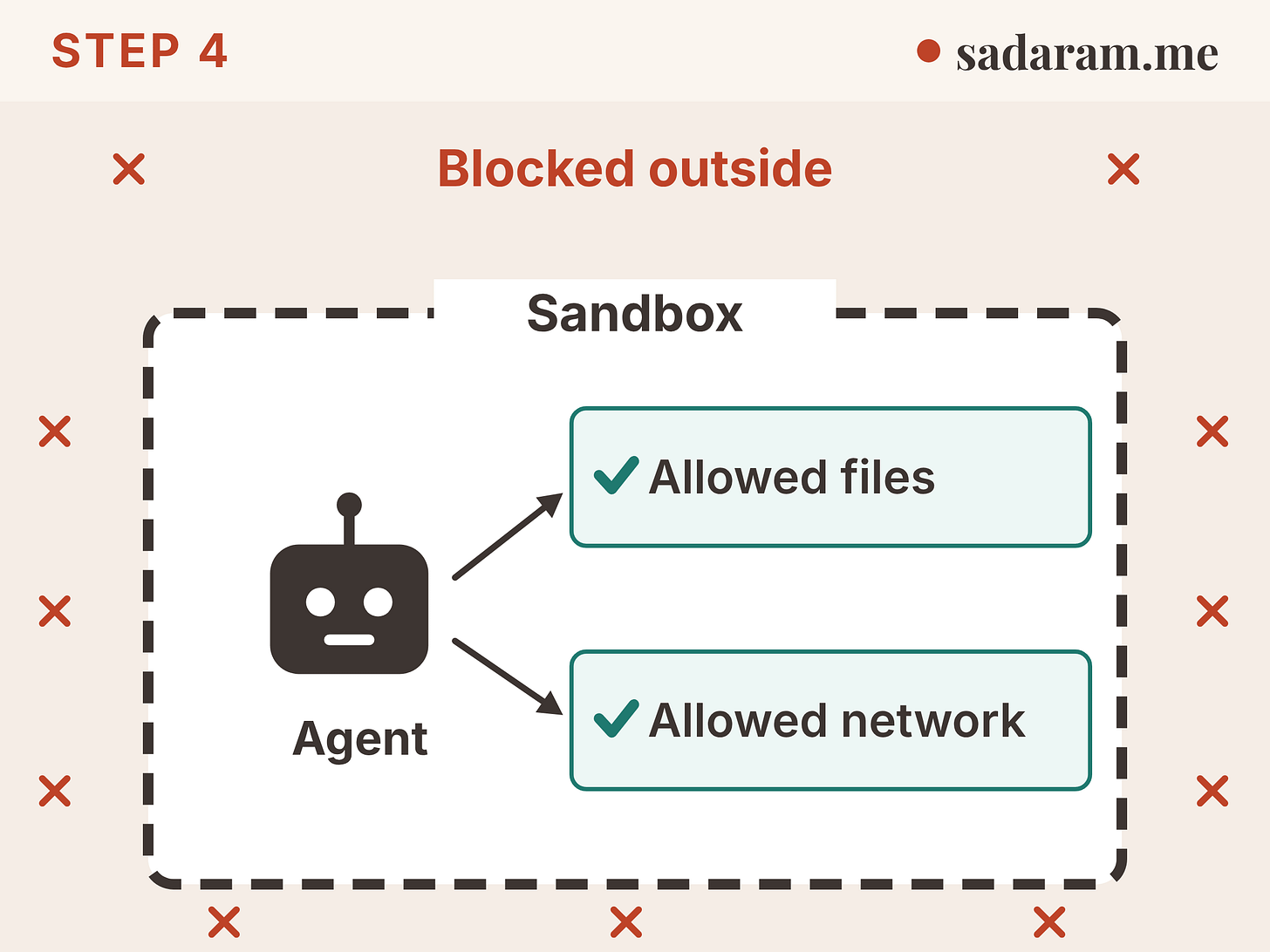
Rule. Run the agent’s shell commands inside an operating-system sandbox that limits both files and network.
Why (source). Anthropic says effective sandboxing needs both: without network isolation, a compromised agent could send out files such as SSH keys; without filesystem isolation, it could escape and reach the network (https://www.anthropic.com/engineering/claude-code-sandboxing, Oct 20, 2025). Anthropic reports that, in its internal usage, sandboxing cut permission prompts by 84%. That is an Anthropic internal figure, not an independent test. The sandbox is built on operating-system features (bubblewrap on Linux, Seatbelt on macOS), so it also covers scripts and child processes that a command starts.
Claude Code’s sandbox docs add three limits (https://code.claude.com/docs/en/sandboxing): - It covers shell commands only. The agent’s file tools, MCP servers and hooks run outside it. - A command that fails inside the sandbox can be retried outside it. Who approves that retry depends on your permission mode. In bypassPermissions mode the retry runs without a prompt. - On native Windows, commands run unsandboxed. Use WSL2.
Check. Turn it on (in Claude Code, run /sandbox). Then test it: ask the agent to write a file outside the project, and to reach a host you haven’t allowed. Both should fail. Add file-read and file-edit deny rules for paths like .env, since the sandbox does not cover the file tools.
Step 5: Ask a human before the irreversible
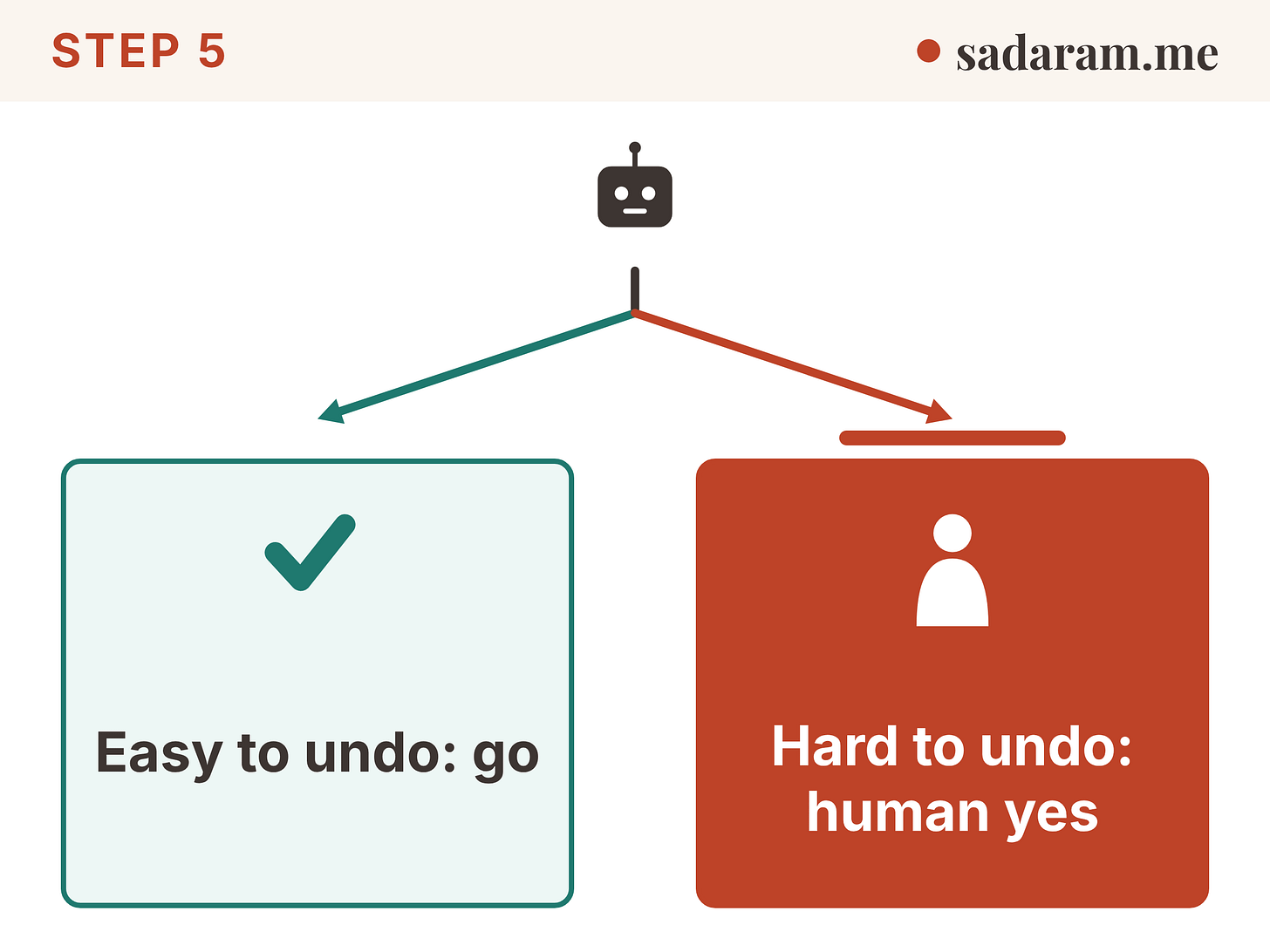
Rule. Let the agent act alone when the result is easy to undo. Stop for a person when it is hard to undo.
Why (source). Easy to undo means a local edit you can revert. Hard to undo means a push, a deploy, a deletion, a payment, a message sent. Claude Code lets you mark those as “ask” rules, and the docs say a matching ask rule prompts even when a narrower allow rule also matches (permissions page). A sandboxed command that matches a content-scoped ask rule such as Bash(git push *) still prompts, too.
This is the same fork as the Oct 20 post on keeping humans in the loop. Reuse its test: sort each action by whether you can undo it.
Check. Pick the three actions you would least like to explain after the fact. Confirm each one stops for a person before it runs.
Sources
All pages opened by Scout on Tue Oct 27, 2026, 8:52 AM CT unless noted. Re-check Claude Code wording the day before publishing (these pages change often).
Claude Code, “Configure permissions”: https://code.claude.com/docs/en/permissions (rule order; “Permission rules are enforced by Claude Code, not by the model”; Bash rule limits; ask rules;
dontAskmode; Read/Edit rules do not stop arbitrary subprocesses). No page date shown; Claude Code version numbers not recorded.Claude Code, “Sandboxing”: https://code.claude.com/docs/en/sandboxing (shell commands only; unsandboxed retry; Windows needs WSL2).
Anthropic Engineering, “Making Claude Code safer with sandboxing”, Oct 20, 2025: https://www.anthropic.com/engineering/claude-code-sandboxing (filesystem plus network isolation; 84% fewer prompts, internal usage).
Anthropic Engineering, “How we built Claude Code auto mode”, Mar 25, 2026: https://www.anthropic.com/engineering/claude-code-auto-mode (users accept 93% of manual prompts).